Microsoft sign-inYour password never touches Litova
1.21+Every release since
2Vanilla and Fabric
1 clickTo install a mod
0Passwords stored
Features
Everything you need. Nothing you don't.
Litova does the fiddly parts for you, from installing loaders and Java to checking every file it downloads.
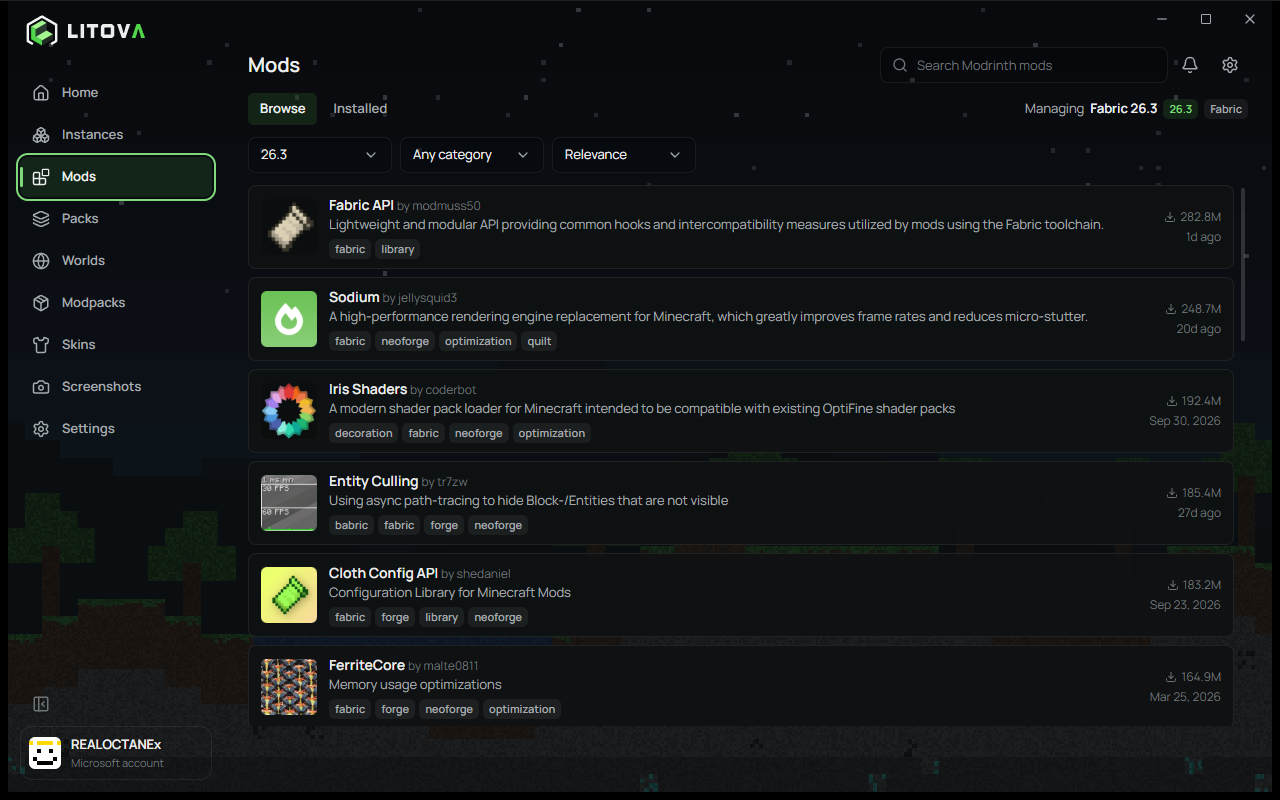
Mods from Modrinth, done right
Search, filter and install in a click. Litova adds the libraries a mod needs, warns you before anything clashes, and checks every file against Modrinth before it touches your game.
Dependencies added for you
Drag .jar files straight onto the window
Turn mods off without deleting them
Instances
Every setup lives in its own folder with its own version, mods, settings and saves. Make one, copy one, or keep a dozen. Nothing leaks between them.
VanillaFabricSnapshots
One-click mod updates
See which mods have newer versions and update them together. The new file is checked before the old one goes.
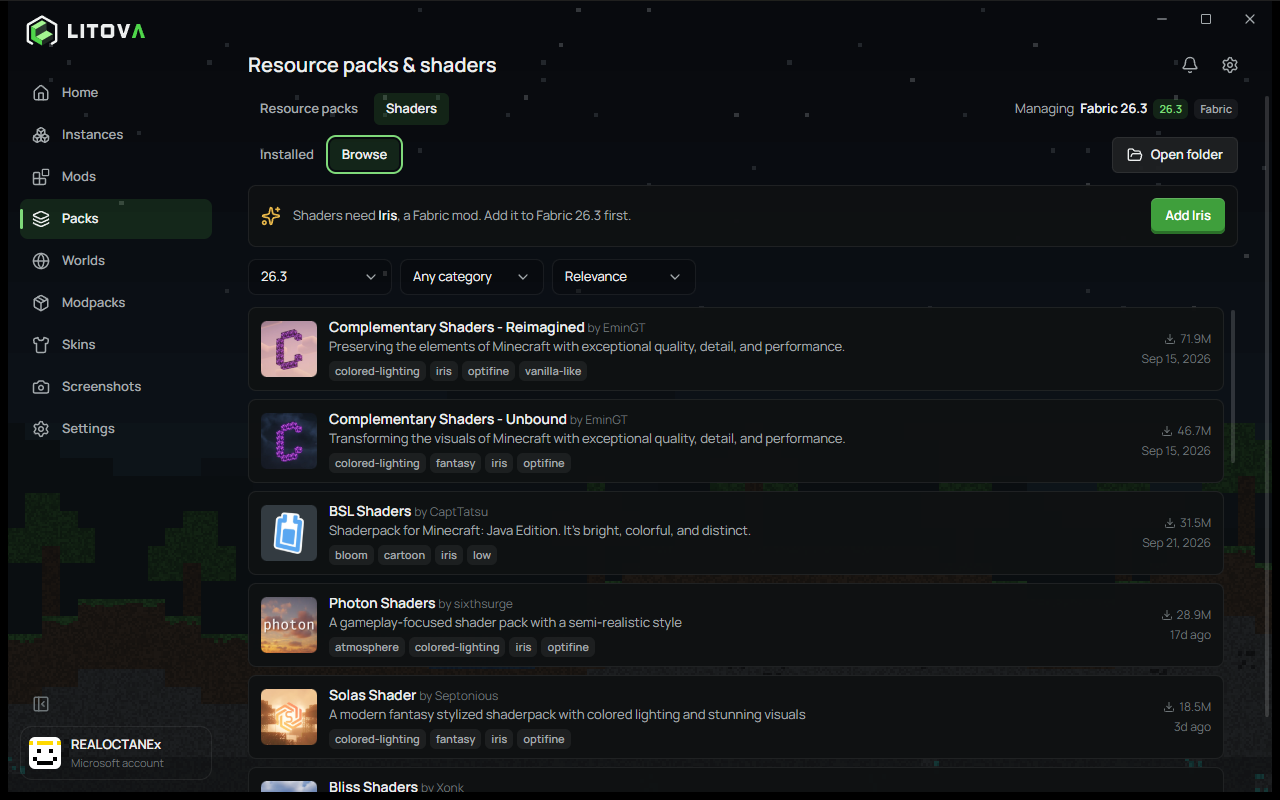
Resource packs and shaders
Browse, add and switch packs and shaders per instance. Need Iris for shaders? Litova adds it for you.
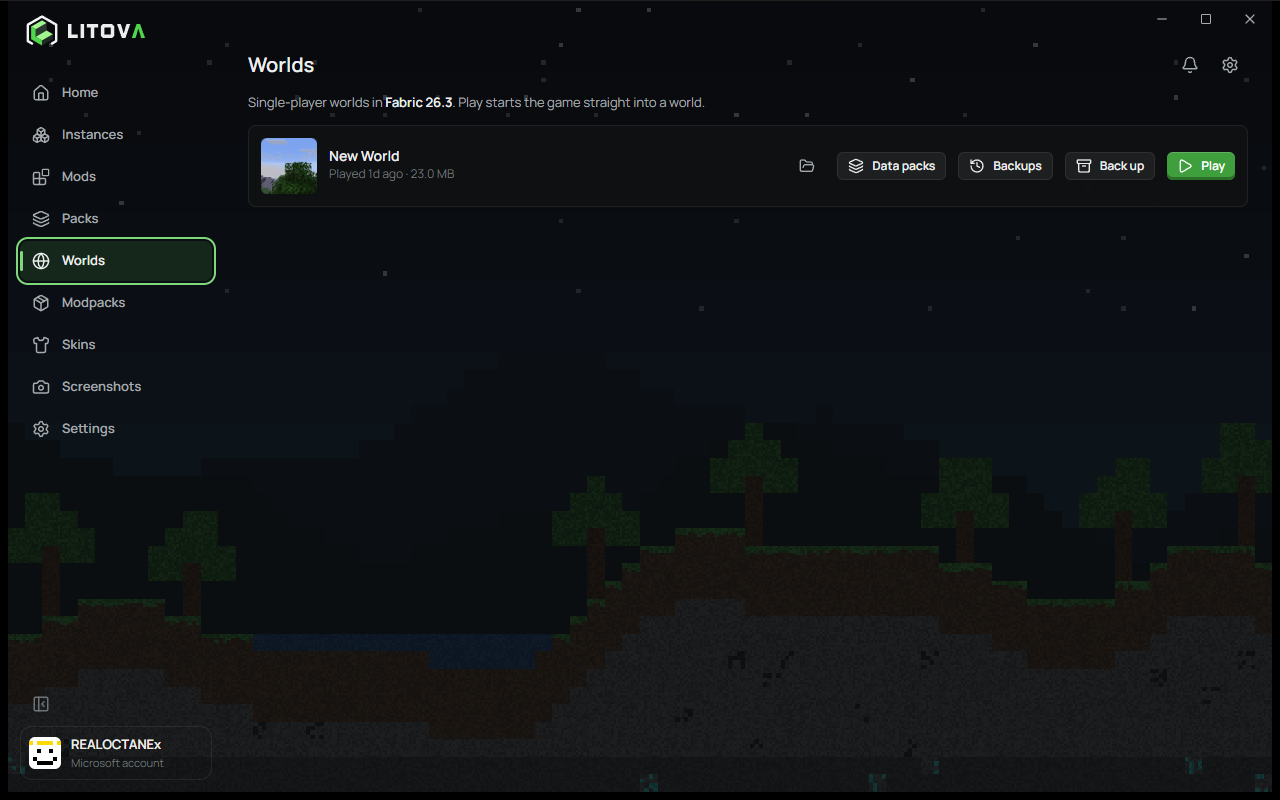
Worlds
Jump straight into a world from the launcher, back it up in a click, and restore it any time. Restoring never deletes the world you had.
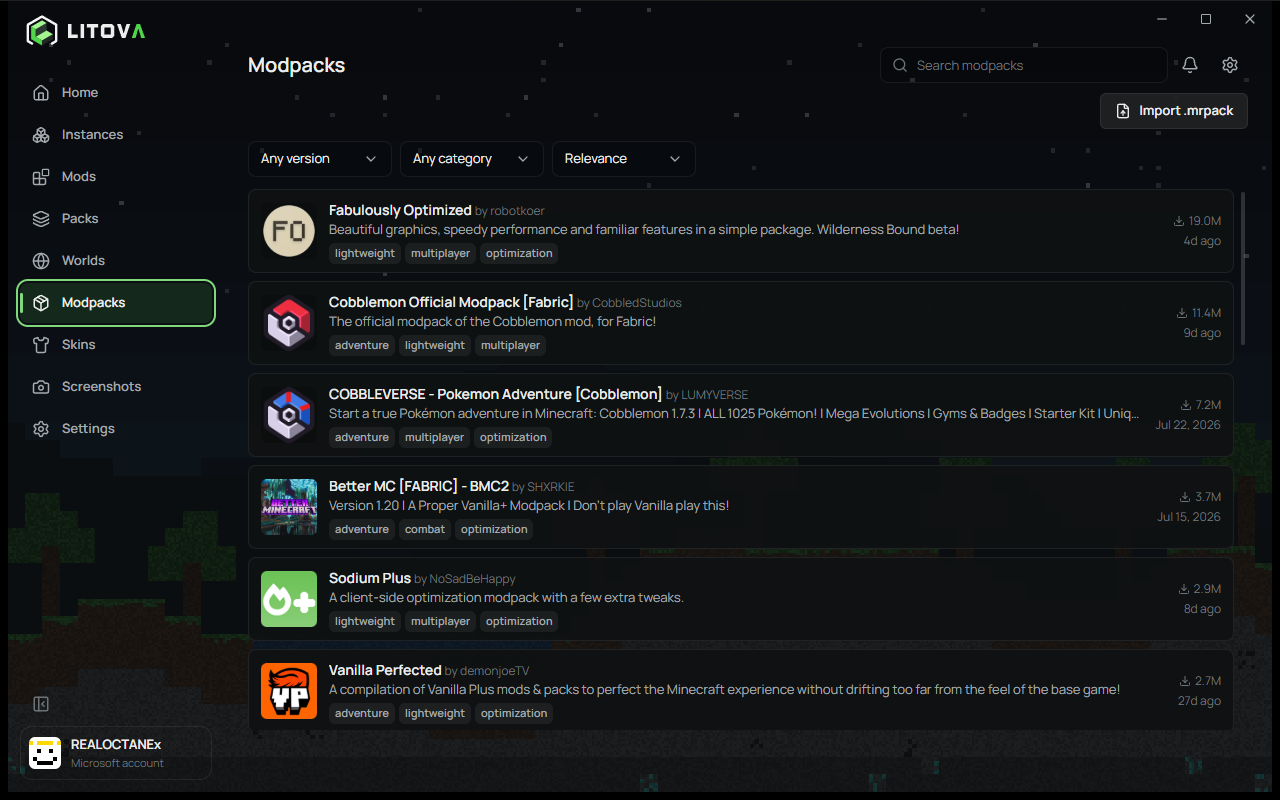
Modpacks, in and out
Install Modrinth modpacks or import a .mrpack file. Then share your own setup with friends as a modpack they can import in one go.
BrowseImport .mrpackShare yours
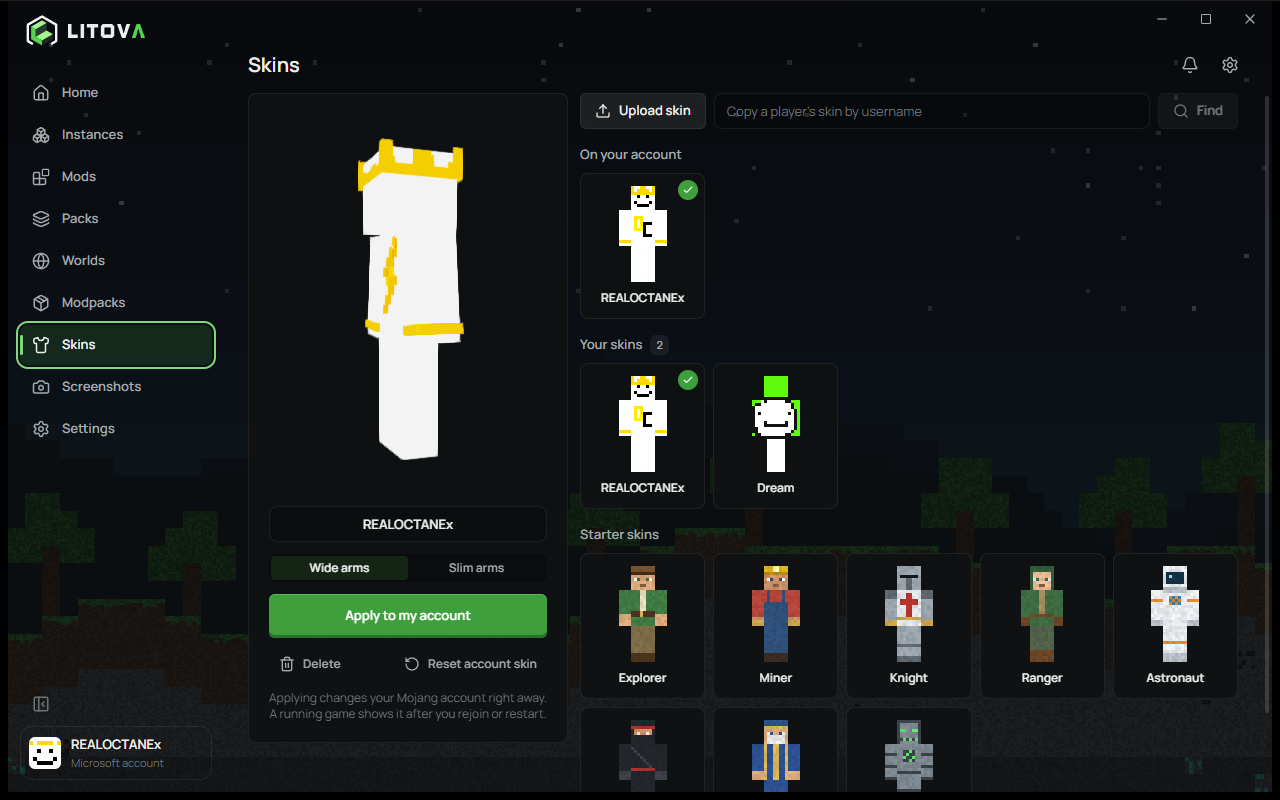
Skins with a 3D preview
Upload skins, copy any player's skin by name, pick slim or wide arms, and apply it to your account, all with a live 3D model.
3D previewCopy by usernameStarter skins
Data packs per world
Add data packs from Modrinth to a single world, without touching your others.
Smart memory
Litova recommends how much memory each instance needs from its mods and your PC, and picks the right Java for every version.
Playtime and more
See how long you've played each instance, browse your screenshots, read game logs, and show what you're playing on Discord.
A closer look
Designed to feel effortless.
Real screens from Litova, nothing staged.
Browse Modrinth's mods for the exact game version you play, sorted the way you like.
Get started
Playing in a minute.
1
Download and install
Run the installer. It's small, and Litova keeps itself up to date from then on.
2
Sign in with Microsoft
Sign in on Microsoft's own page with the account that owns Minecraft: Java Edition.
3
Pick a version and play
Choose Vanilla or Fabric and any version. Litova fetches the game, the loader and Java for you.
Safe by design
Your account stays yours.
Litova never sees your password, never keeps your sign-in in a plain file, and checks what it downloads before your game uses it.
Official Microsoft sign-in
You sign in on Microsoft's site. Litova only receives a session for the game.
Locked in Windows
Your session is kept in Windows Credential Manager, not in a file anyone can read.
Every download checked
Game files, mods and packs are checked against their published hashes before they're used.
Signed updates
Litova only installs updates signed with its own release key.
FAQ
Good questions.
Yes. Litova is free to download and use.
Yes. You sign in with the Microsoft account that owns Minecraft: Java Edition. Litova doesn't offer a way around buying the game.
Minecraft 1.21 and every release since, plus snapshots, in Vanilla or with the Fabric mod loader.
Windows SmartScreen warns about new apps it hasn't seen many downloads of yet. Choose "More info", then "Run anyway". Only do this for the installer you downloaded from this page.
Download it only from this page or Litova's GitHub releases. To be sure, open PowerShell in your Downloads folder and run Get-FileHash Litova-Client_0.2.1_x64-setup.exe. The result must match the SHA-256 fingerprint shown next to the download button.
Litova checks for a new version each time it starts and installs it on its own. It waits until you're not playing or downloading.
Yes. Drop .jar mod files onto Litova, or import any Modrinth modpack (.mrpack). Fabric modpacks and mods are supported.
Ready when you are.
Download Litova 0.2.1 for Windows and start playing.